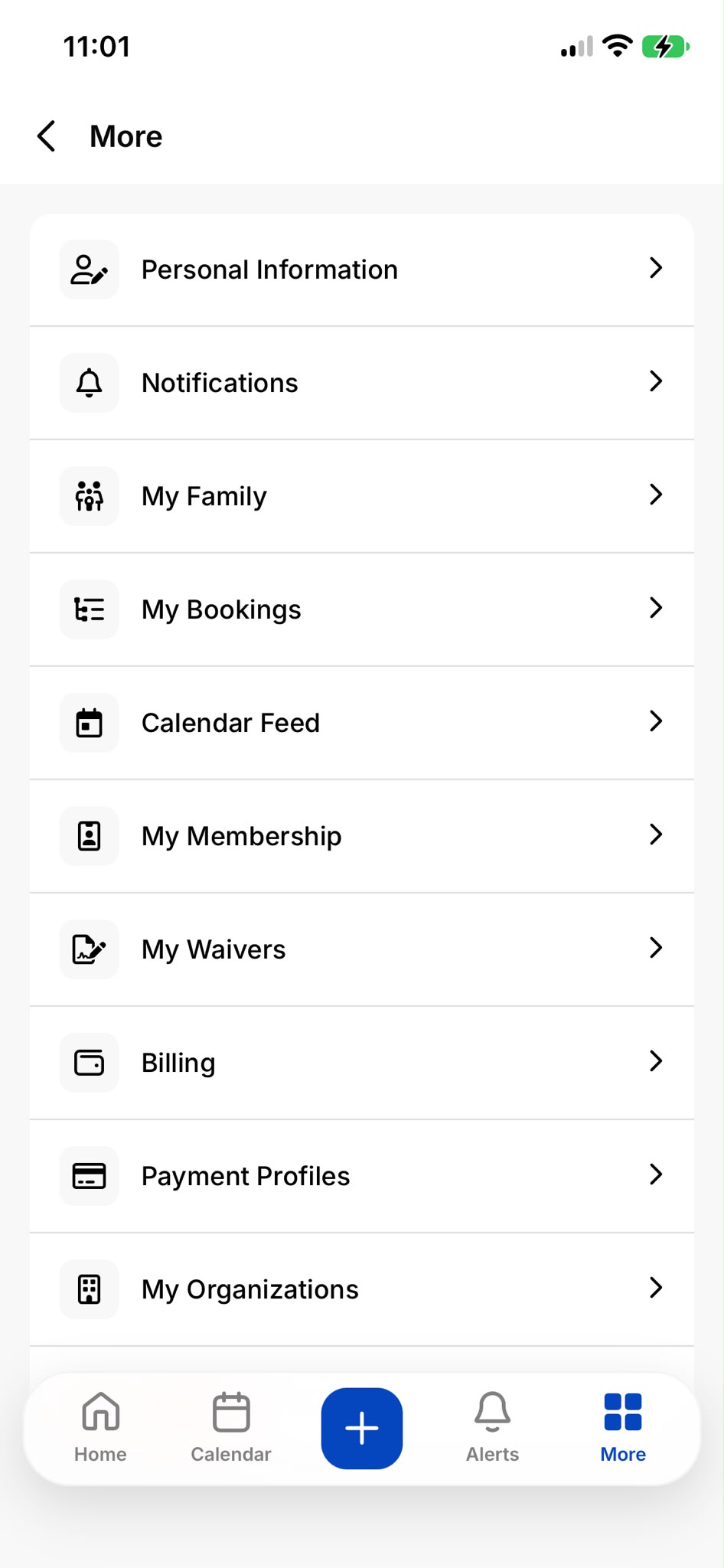
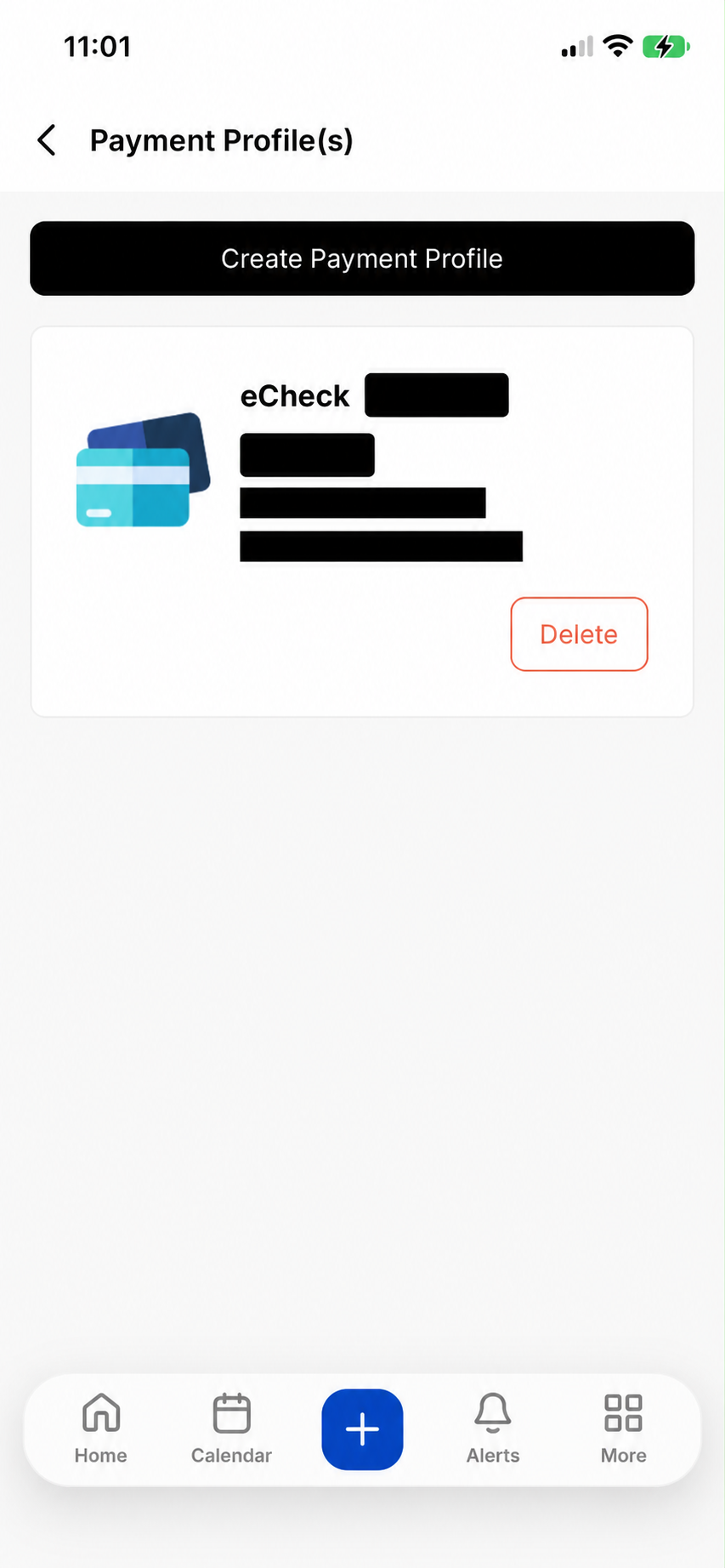
Tap Create Payment Profile. Existing payment details are hidden in this example.Enlarge screenshot ↗
3. Link your bank for ACH
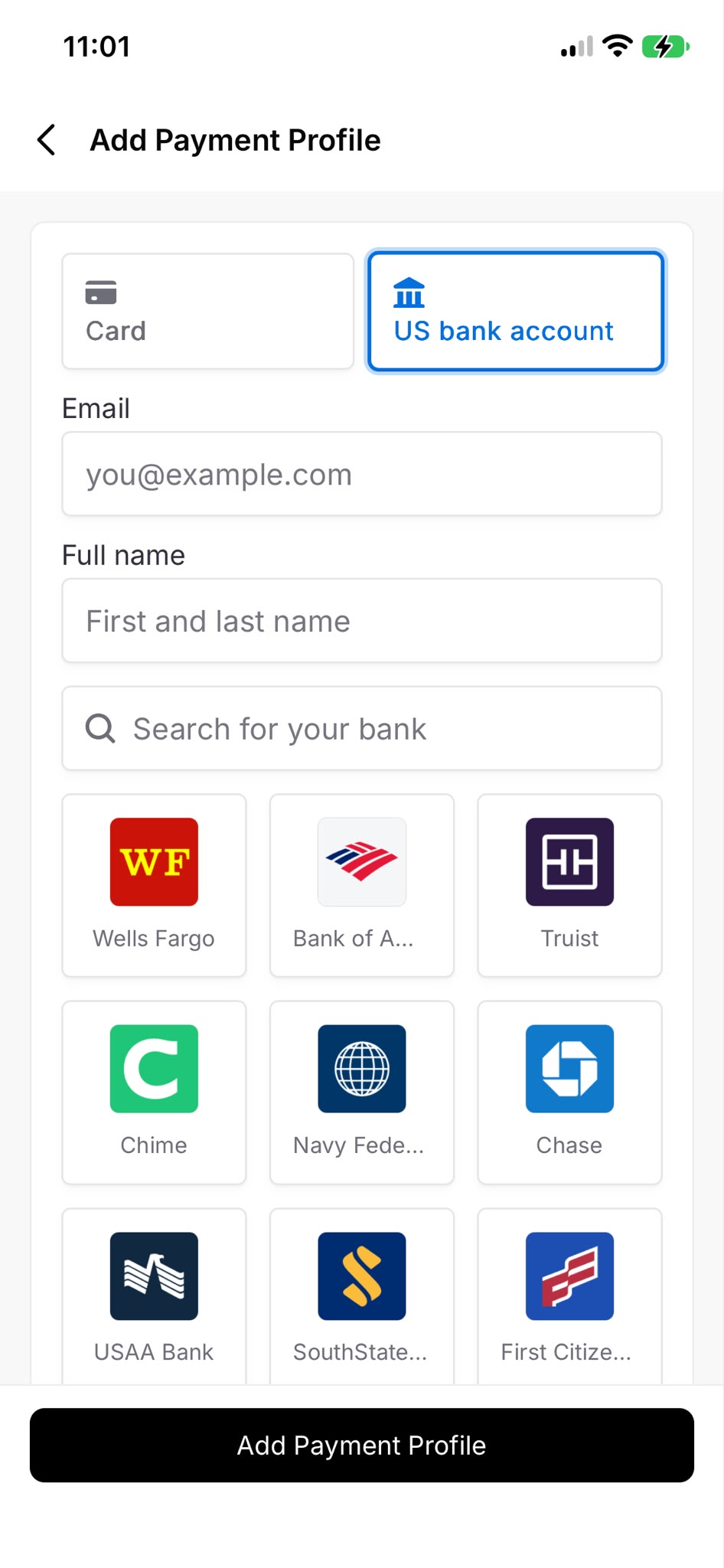
Choose US bank account, enter your email/name, search for your bank and follow the secure bank-linking and verification steps. Return to finish adding the profile.Enlarge screenshot ↗
Card option
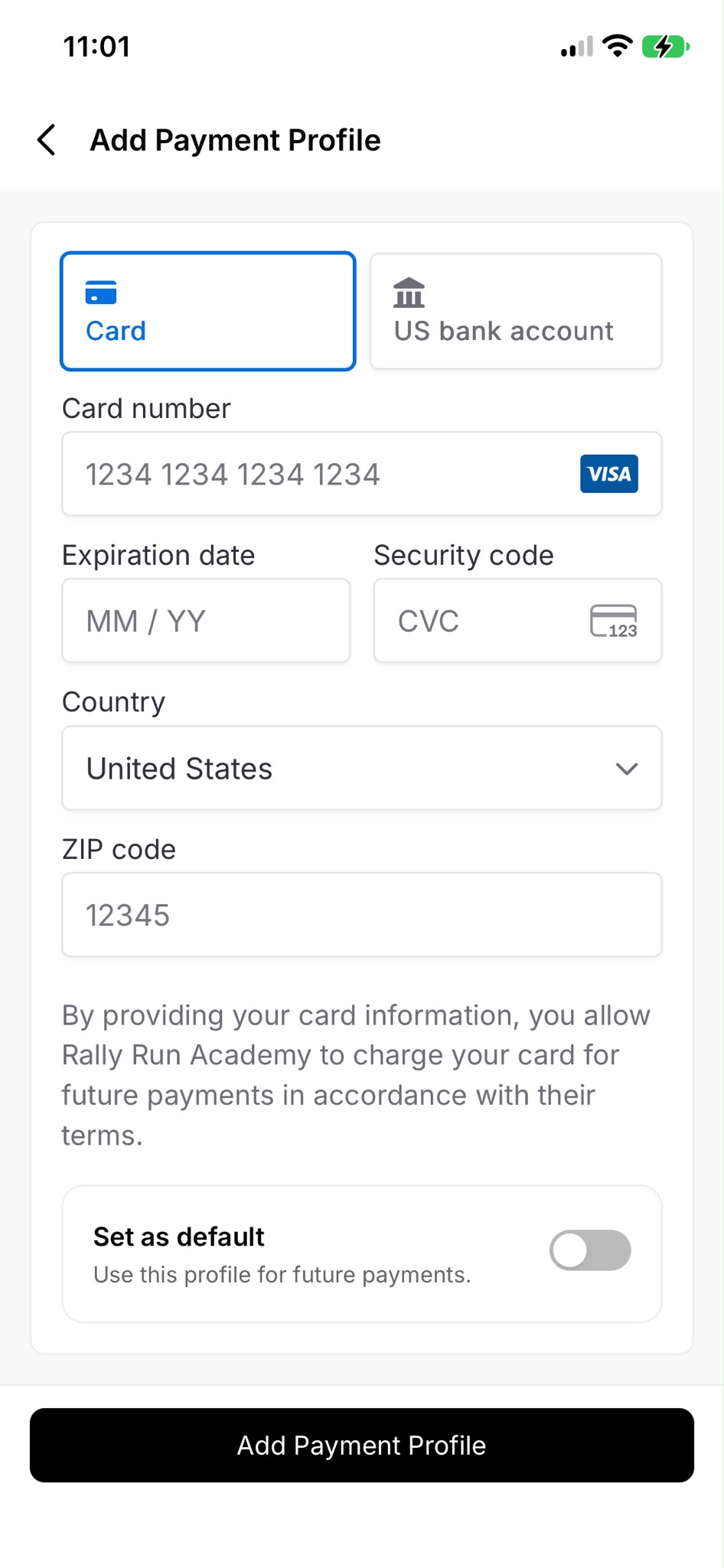
To pay by card instead, choose Card and enter the requested details in CourtReserve. Review the authorization and any fees before adding the profile.Enlarge screenshot ↗
Blank fields show example placeholders. Enter your own payment details only in CourtReserve or its secure bank-linking flow. Bank availability and verification steps can vary.
STEP 4
Choose training for your child.
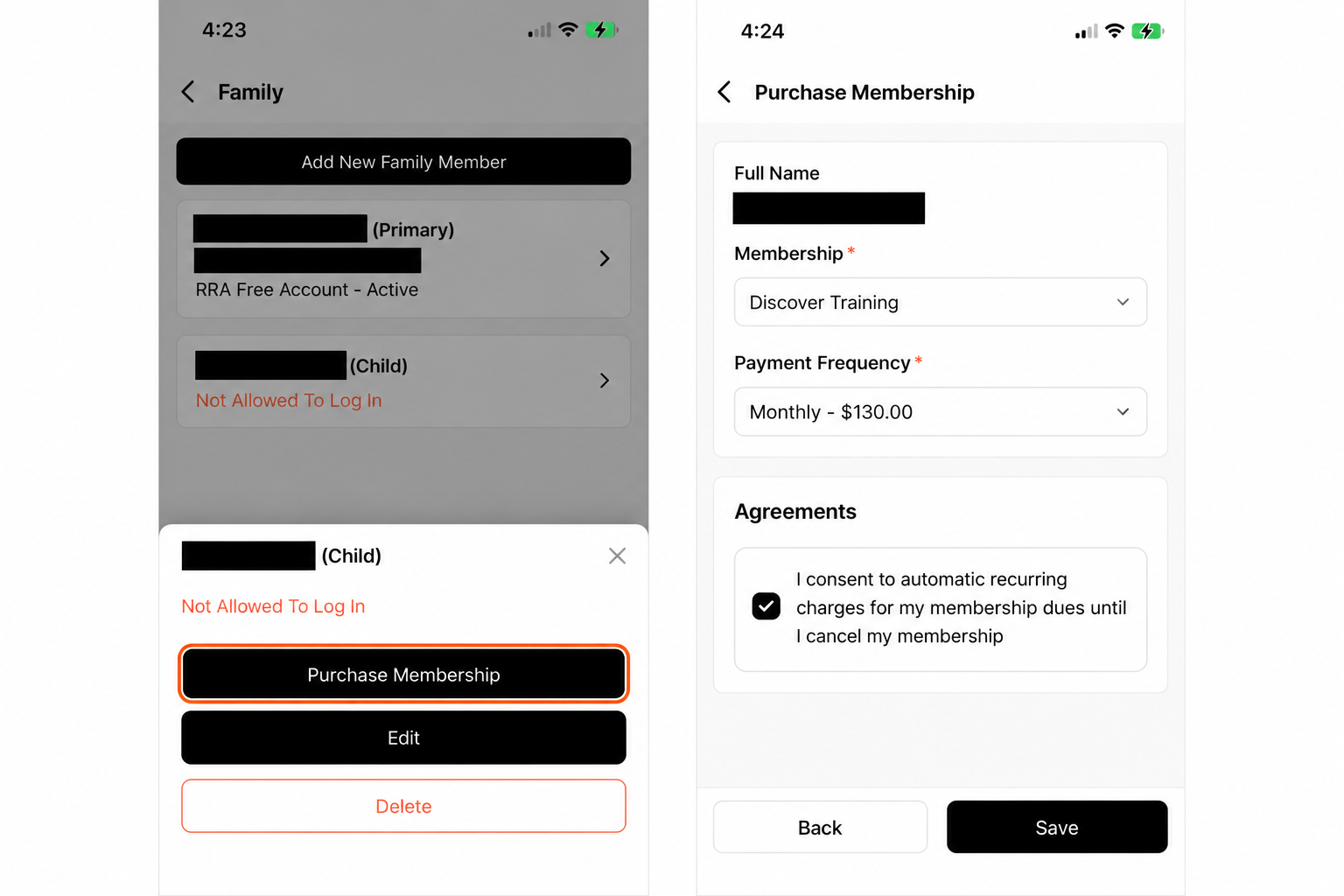
Family → Your child → Purchase Membership
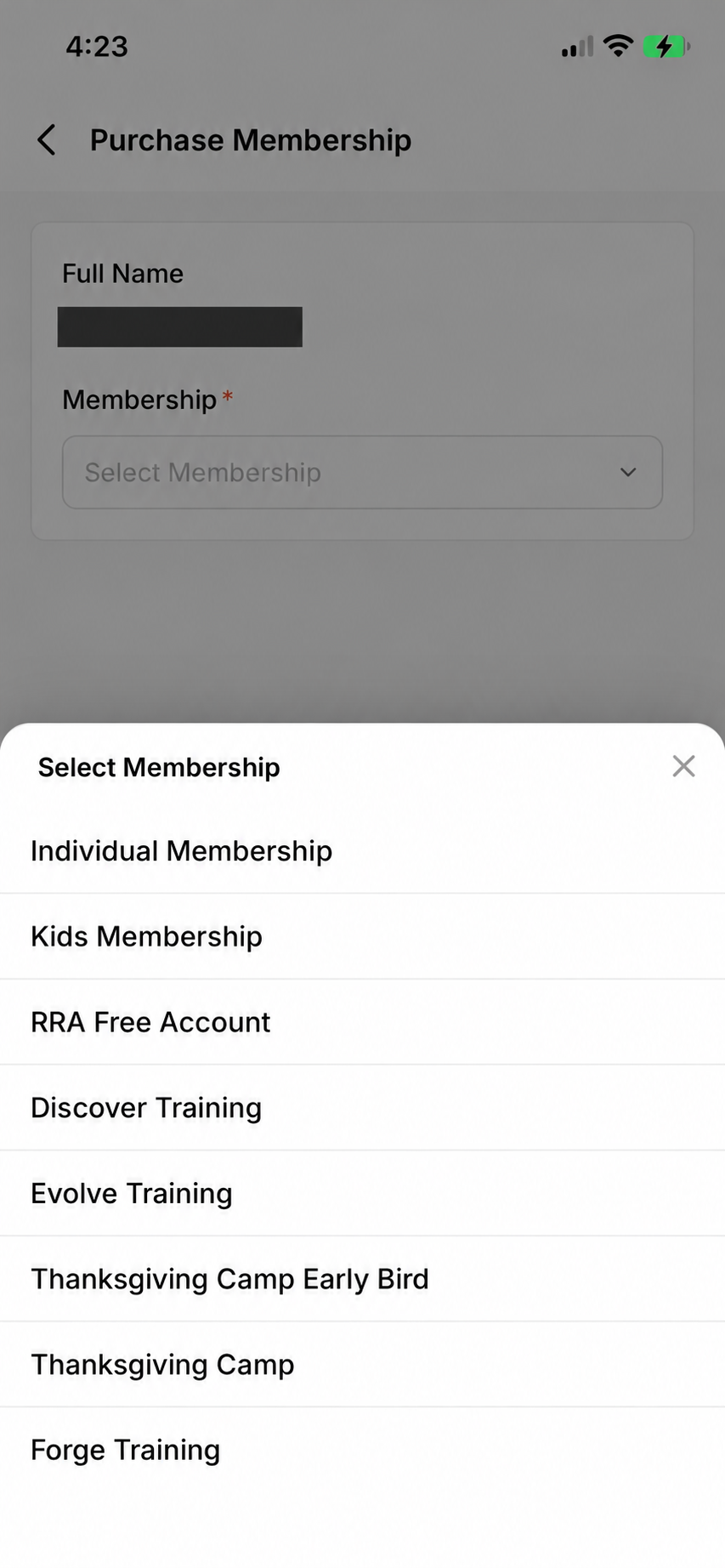
Choose Discover Training, Evolve Training or Forge Training.
Confirm your preferred batch with RRA. Selecting a schedule here doesn’t reserve a place.
See training enrollment screenshots
Choose the child’s training plan
Choose Discover, Evolve or Forge Training.
Open and review enrollment
On the child’s profile, tap Purchase Membership. Select the monthly option and review the agreement before you accept and continue. Training prices vary by program.
Tap any screenshot to enlarge. Mobile-app screens may differ from the website.
How to register for camp
New to RRA?
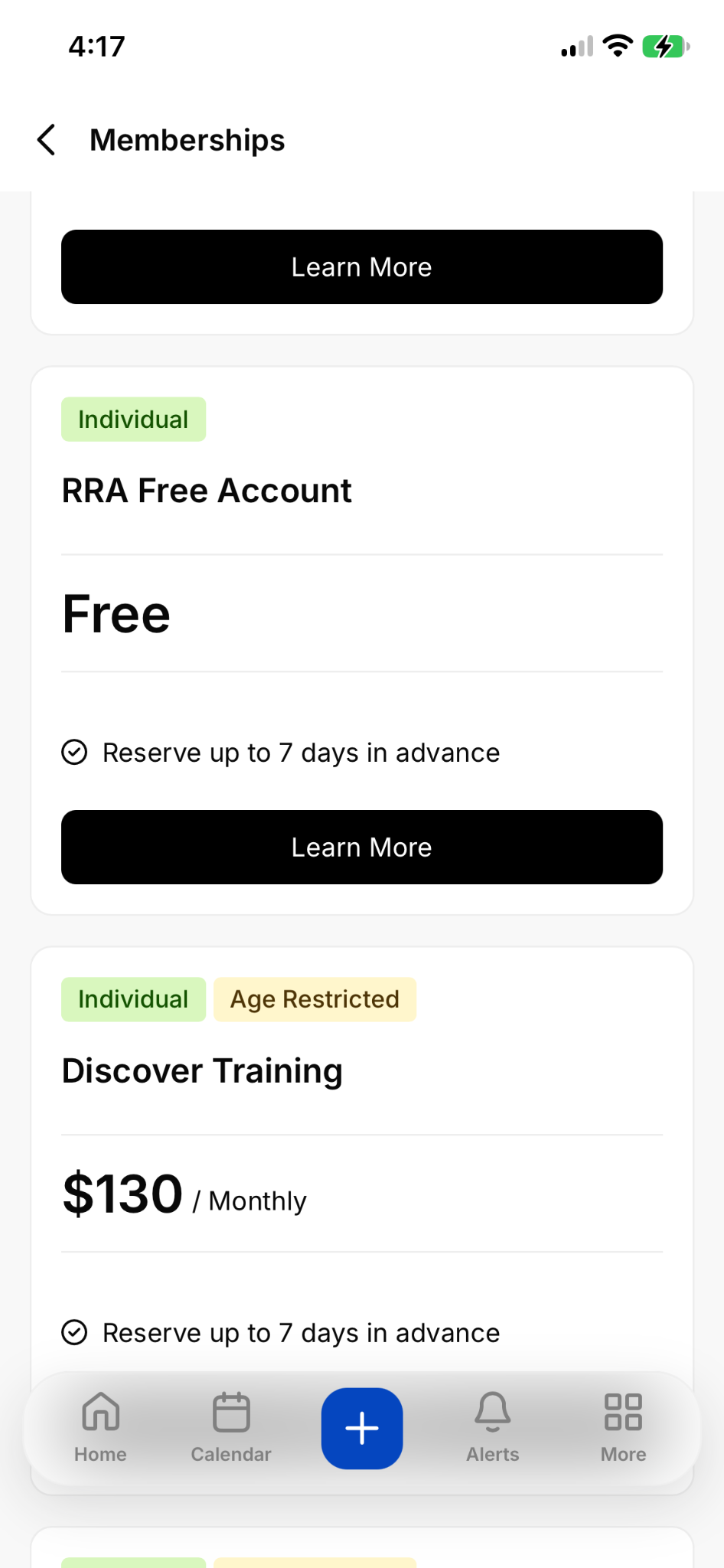
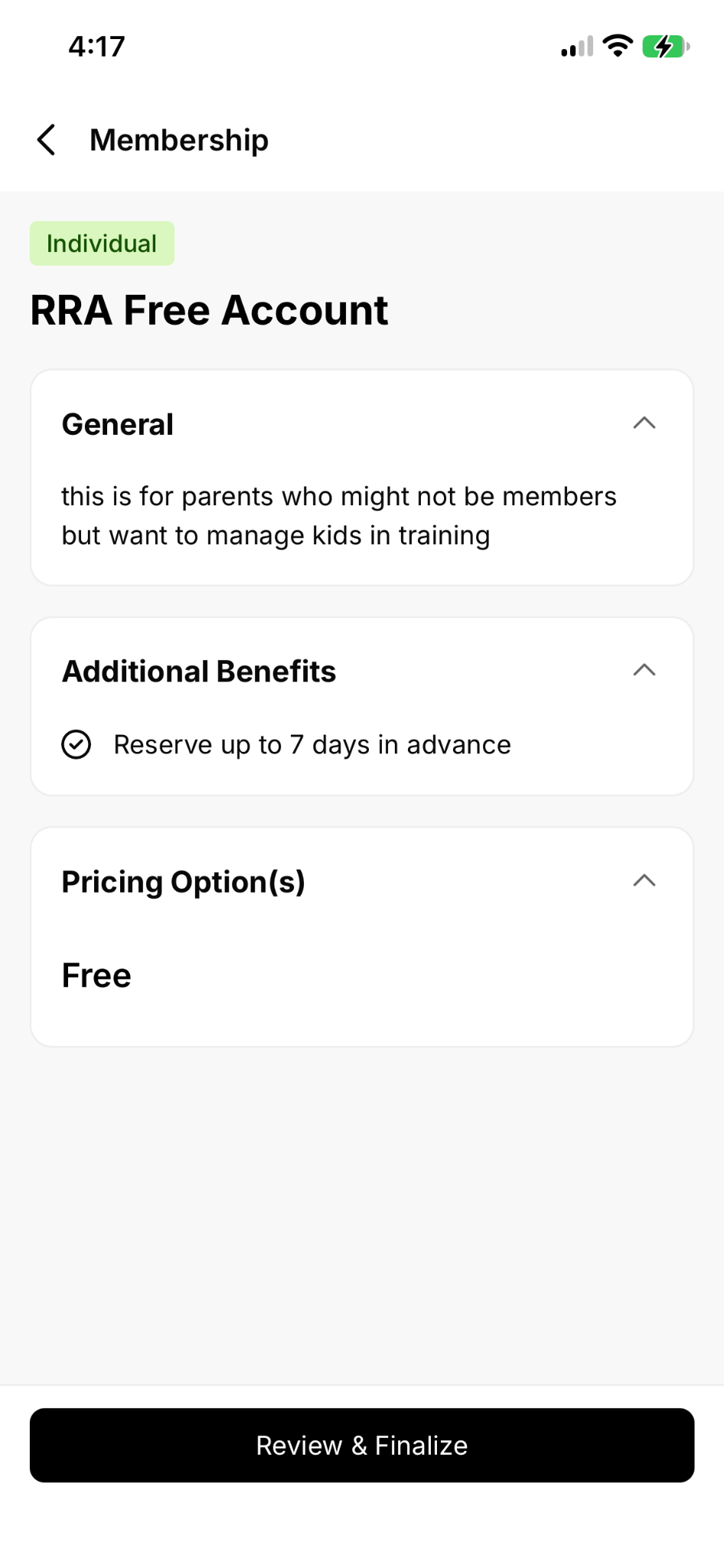
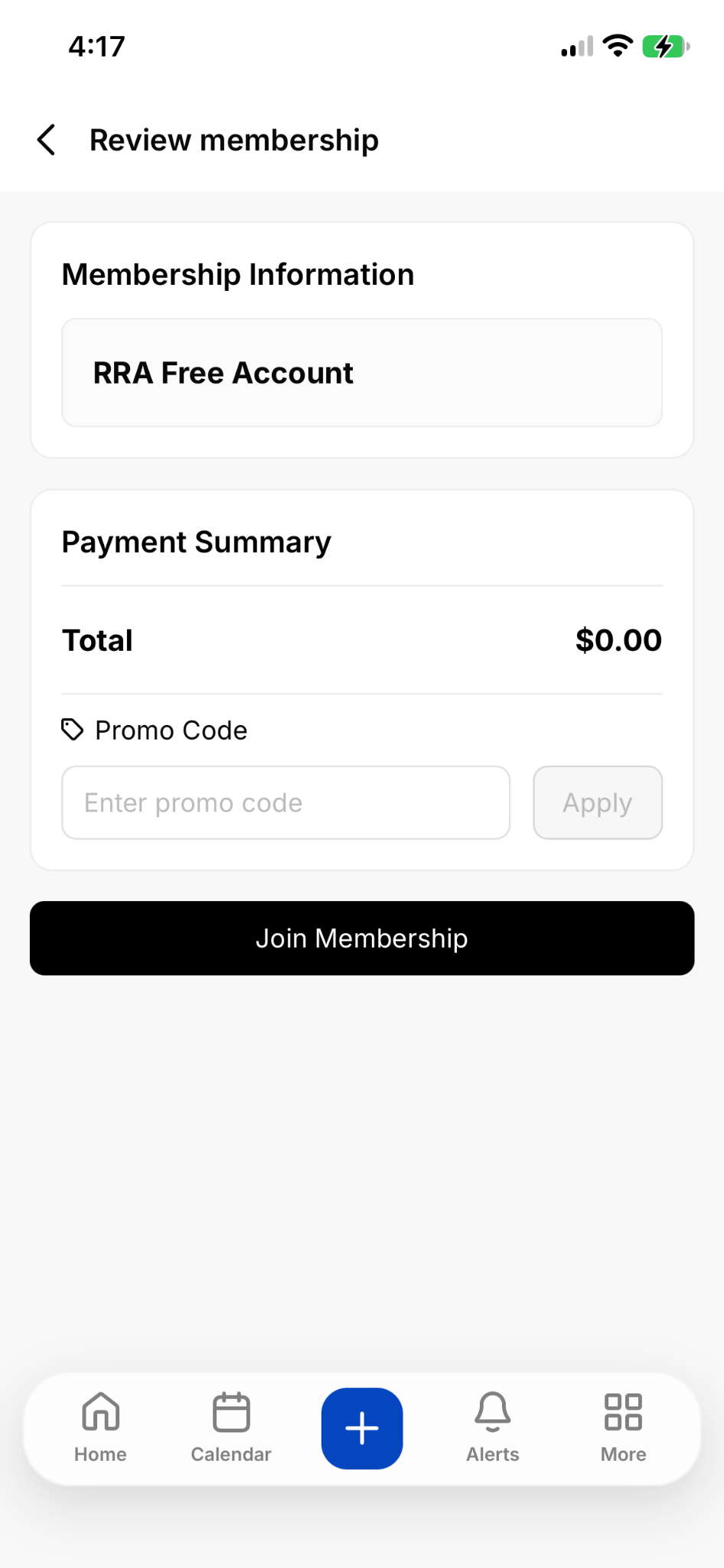
Create a parent account. Choose the RRA Free Account option for training or camp only.
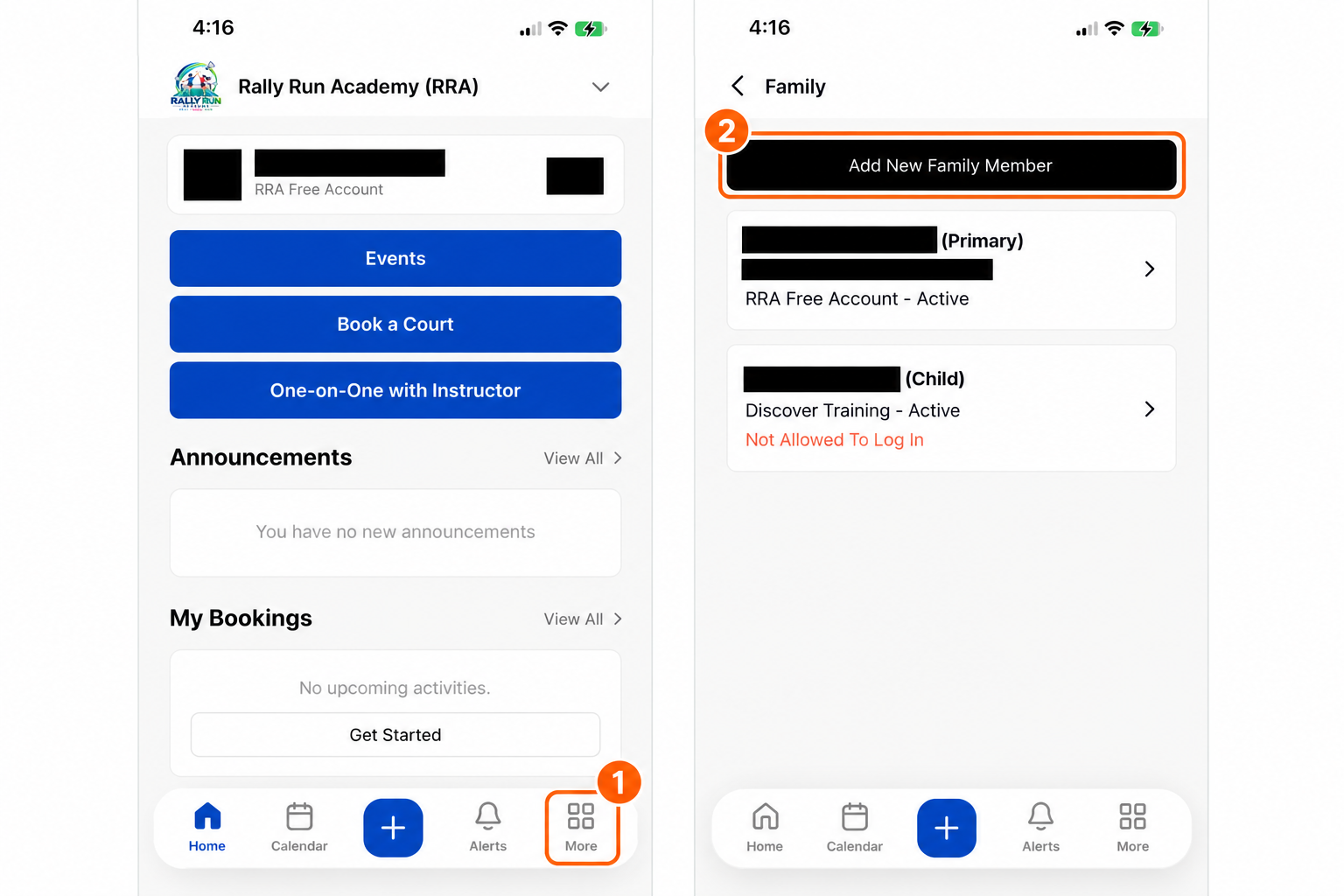
Under My Family, add each child.
Return to the camp event, choose Register for Full Event, select your child and complete registration.
Register each child under their own family profile. Review the event dates, pricing and final total before confirming. Need help? Call (762) 585-6646.
FLASH LEAGUE · KIDS & ADULTS
How to register for the league
Choose your event. On the League page, select kids or adults and the appropriate member/non-member option.
Log in or create an RRA account. Existing players can use their CourtReserve login. New families should create a parent account and add their children under My Family.
Select the player and league dates. For kids, choose the child's family profile.
Review and complete registration. Check the event, dates and final total before confirming payment in CourtReserve.